

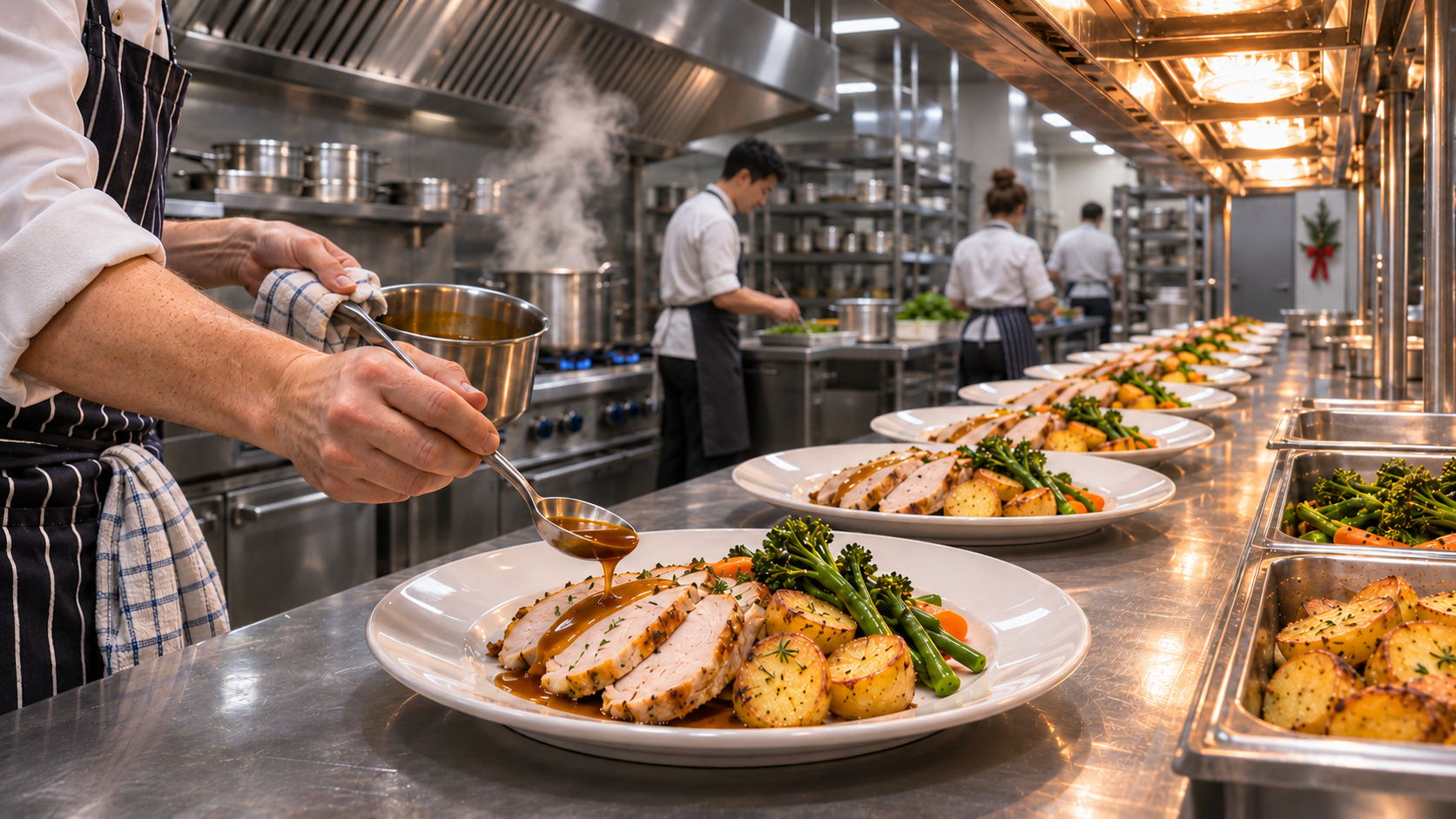
Give guests a clear package price and make Christmas Day orders easier for your team.
A Christmas Day set menu gives guests a clear price and a choice of dishes, while helping your kitchen plan for a busy service. Whether you’re offering a two-course lunch or a three-course celebration, the Upsell Promotion feature in SENPOS lets you set a package price and guide staff through the order at the point of sale.
Build a menu around what your venue does best
Start with the dishes your members and guests already come back for. A signature main or a house dessert can give your Christmas menu a point of difference. From there, decide how much choice you want to offer and which extras, such as a glass of sparkling wine, guests can add to their meal.
You could offer a two-course menu with a choice of entrée and main or main and dessert, alongside a three-course option for guests who want the full experience. Set a price for each package so guests know what’s included when they book.
Set up your menu in SENPOS
Use Upsell Promotion to configure your menu packages. When a staff member selects a package at the POS, SENPOS prompts them to choose the dishes included in that option. For example, selecting the two-course entrée and main package prompts staff to record the guest’s choice for each course.
You can also use the feature to offer optional extras or make a promotion available to selected membership tiers. Before Christmas Day, run a test order for each package to check that the price, course choices and any add-ons appear as expected.
Additional Information
CLICK HERE to view the step-by-step Upsell Promotion guide in the SENPOs Learning Hub
CLICK HERE to talk to the SENPOS team.